


A paper backdrop is a simple way to add colour and create a clean, consistent background for your video. It works particularly well for presenter-led content, explainers and educational videos where the focus is on the person and what they’re saying.
1. Add a splash of colour and branding
A coloured backdrop can help connect your video with your brand’s visual identity. It gives you a strong starting point for a look that carries through the presenter’s clothing, on-screen text and animation.
Think about how those elements will work together. Your backdrop should complement the presenter and give any graphics enough contrast to be easily read.
It’s also worth testing the colour under your shoot lighting. The same paper can appear lighter, darker or more saturated depending on how it’s lit and how the camera is set up.
2. Create a clean, polished and professional look
A paper backdrop removes the visual clutter of an office or meeting room, keeping attention on your presenter. There are no distracting signs, busy shelves or people walking through the background.
It’s also useful when filming a series. Using the same backdrop and matching the lighting and framing can help different presenters feel part of one consistent set of videos.
The setup still needs care. Allow enough space between the presenter and the paper to control shadows, and check that the roll is wide enough for your planned shots. Good lighting and considered framing are what make a simple background feel polished.
3. Keep the background simple for text, icons or graphics
If your video needs key points, diagrams or animation, a plain background gives those elements somewhere to sit without competing with details in the room.
This can be particularly useful for educational content and explainers, where the presenter introduces an idea and the graphics help clarify it.
Plan those elements before filming. Decide where the presenter should sit within the frame and how much space the graphics need. Even a rough storyboard can help avoid squeezing text into an awkward gap later.
If you need both horizontal and vertical videos, check the composition for each format too. Space beside the presenter in a wide shot may disappear when cropped vertically.
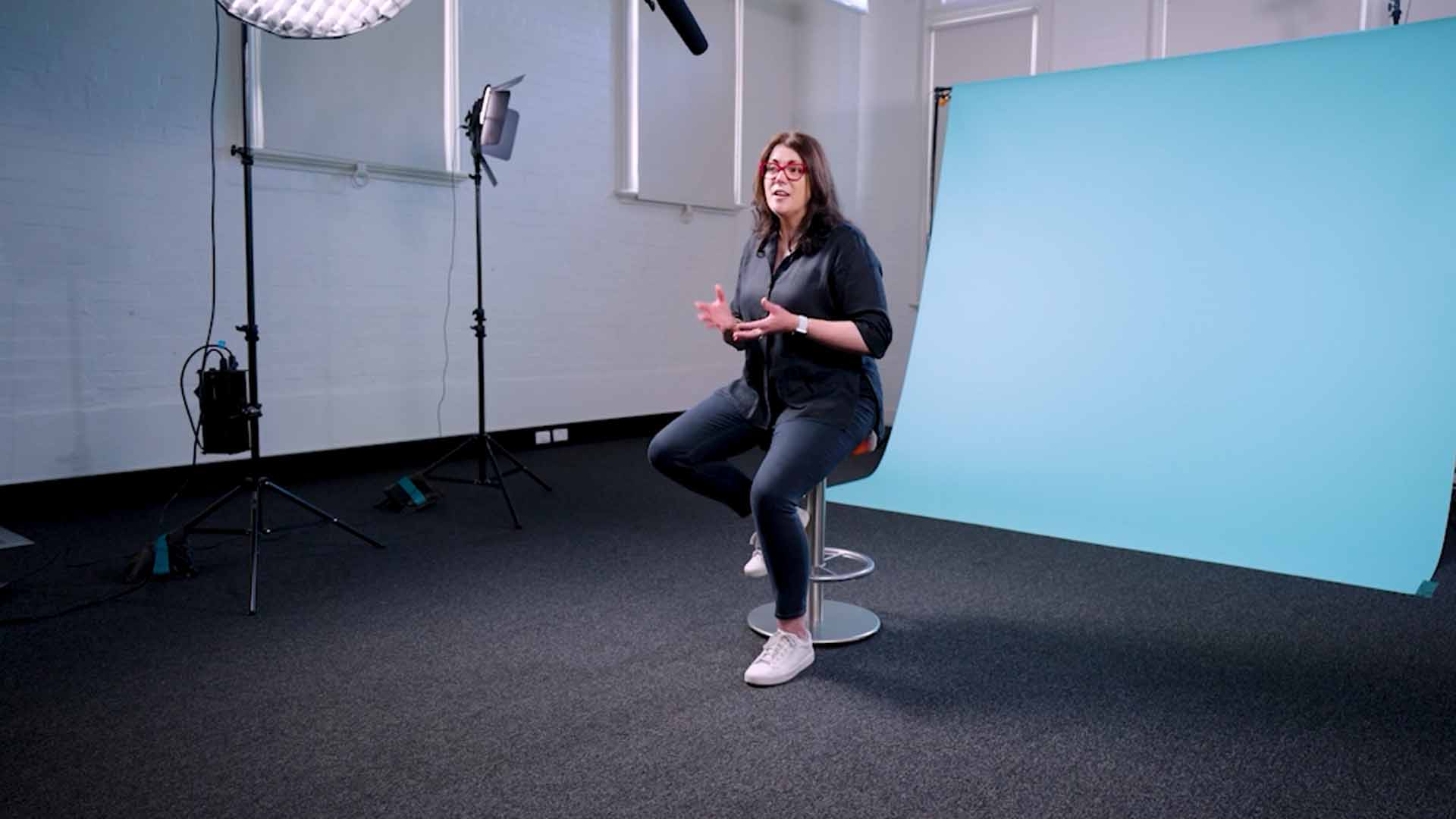

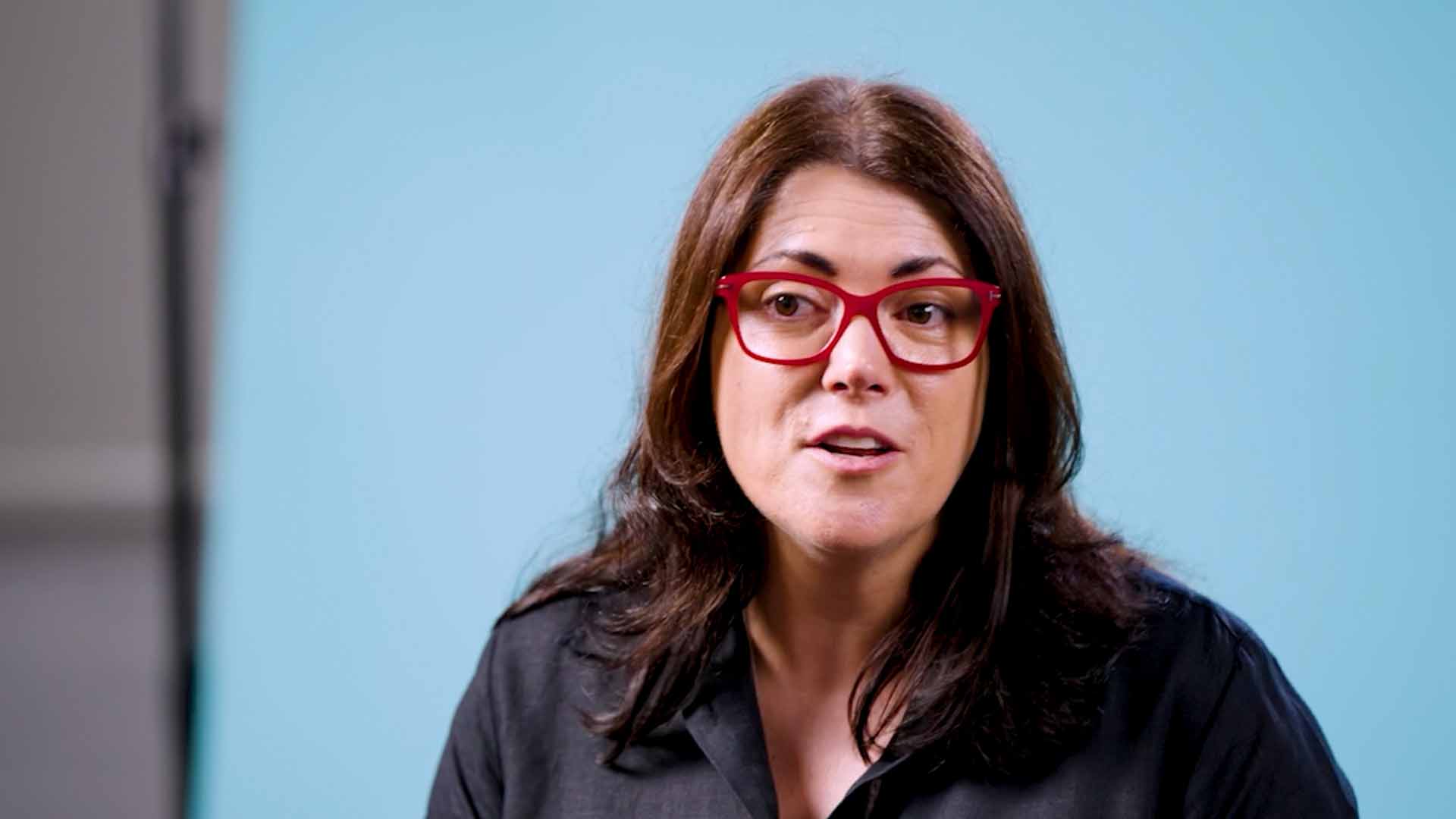
When is a real location a better choice?
A paper backdrop works well when the presenter and graphics carry the message. But sometimes the surroundings are an important part of the story.
If you’re introducing a workplace, demonstrating a process or showing research in action, filming in that environment can help viewers understand what they’re hearing.
Choose the background around what your audience needs to see. For a focused presentation with colour, consistency and room for graphics, a paper backdrop can be a great fit.

Related Posts
How to manage natural light when filming outdoors
Learn how to manage natural light when filming outdoors, with practical tips on…

5 tips for making thought leadership content more engaging
When planning thought leadership content, the topic, guests, conversation and…
How many cameras do you need for a video interview?
Extra cameras can help hide edits, add visual variety and capture natural…