


One camera can be enough to film a good video interview. But adding a second or third camera gives you more options when editing, helping you create a video that flows naturally and holds the viewer’s attention.
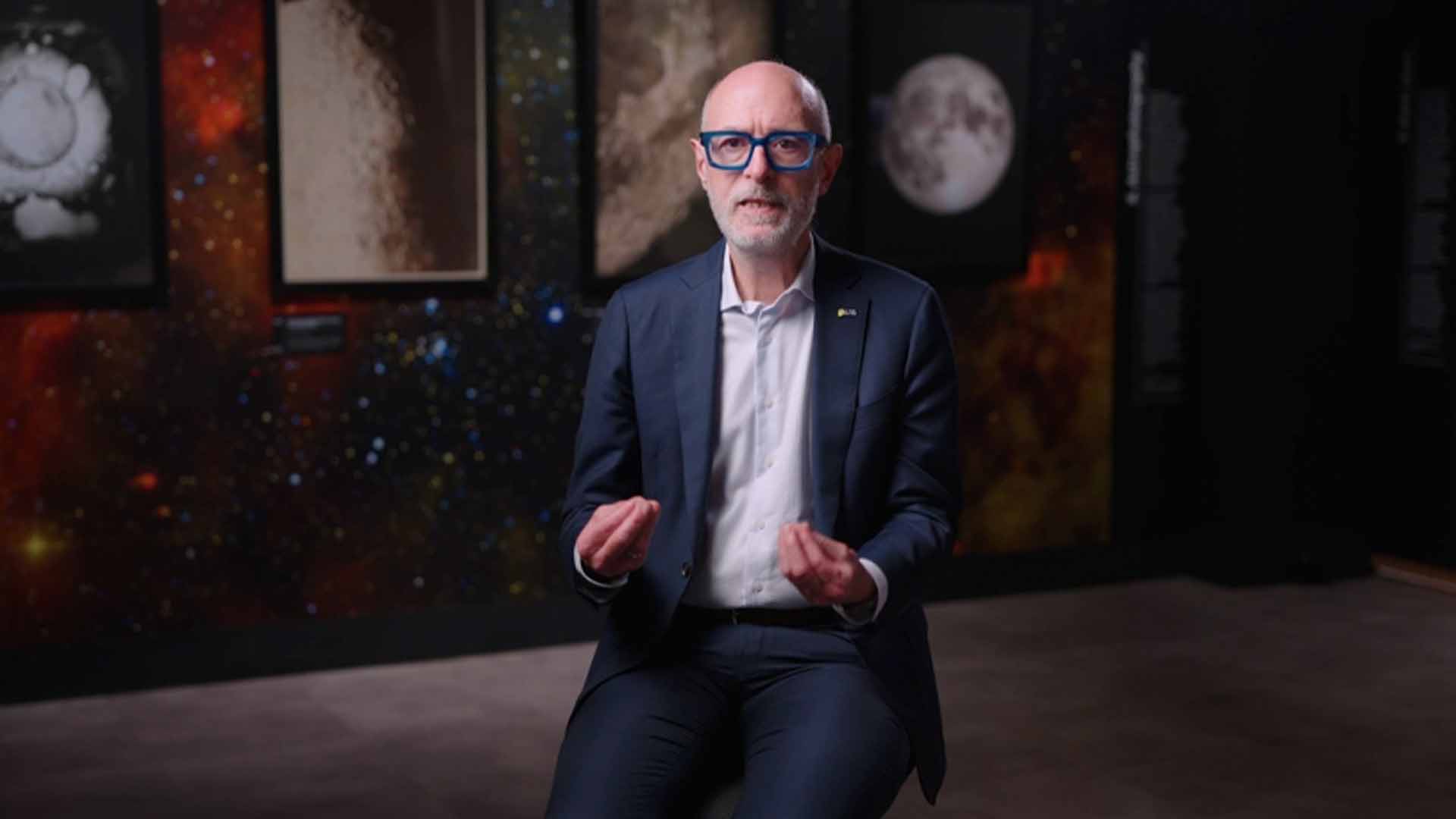
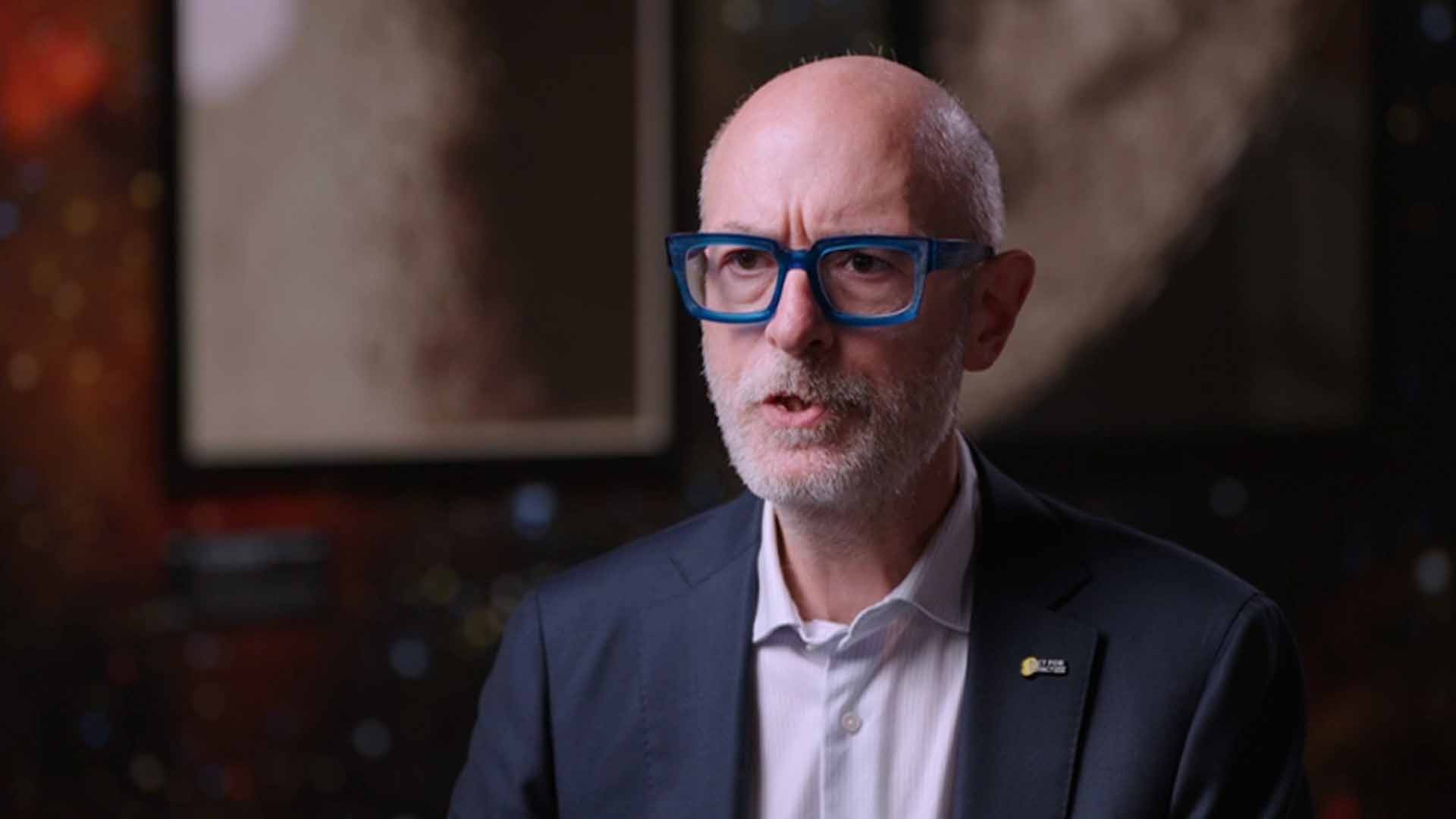
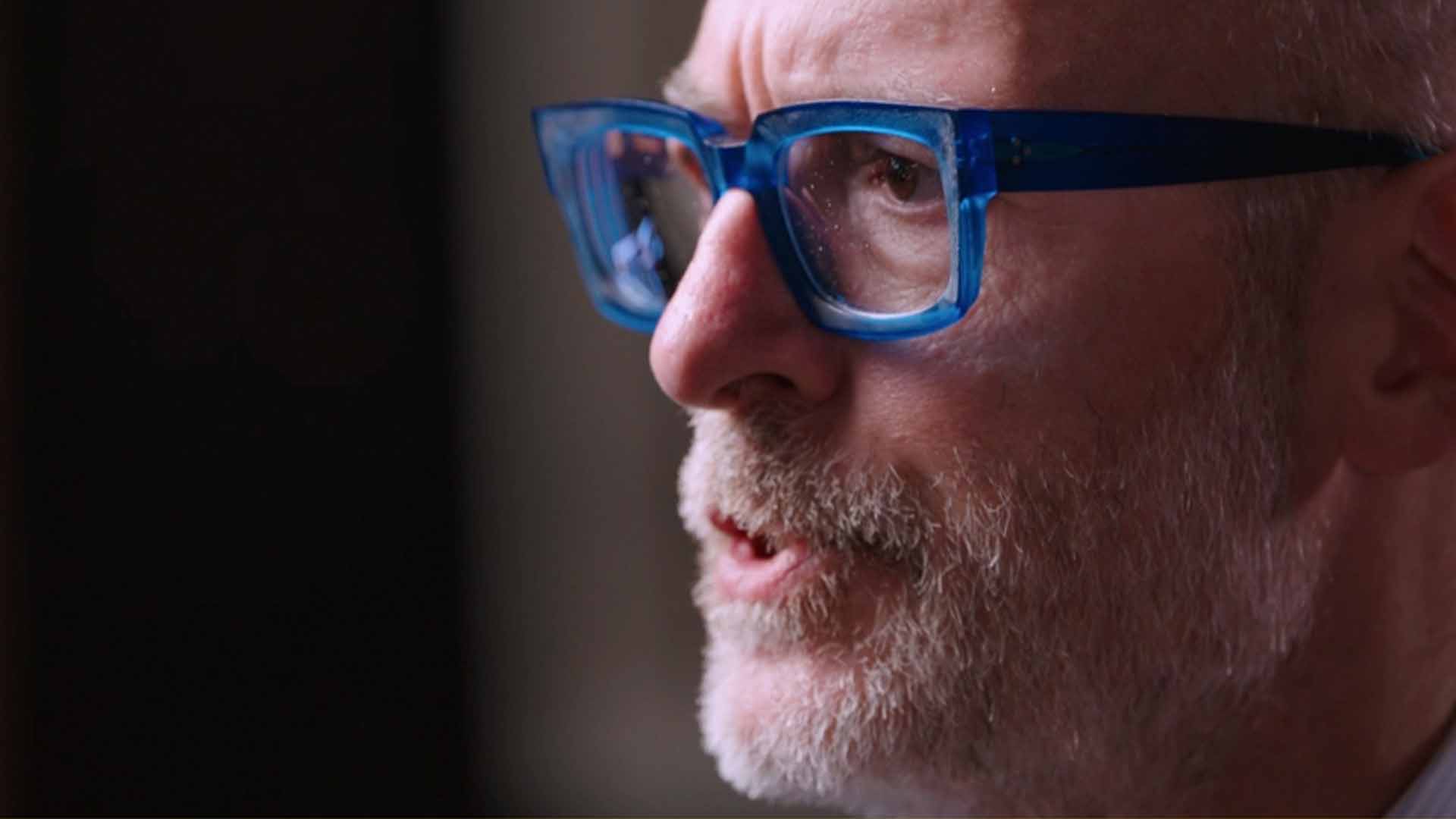

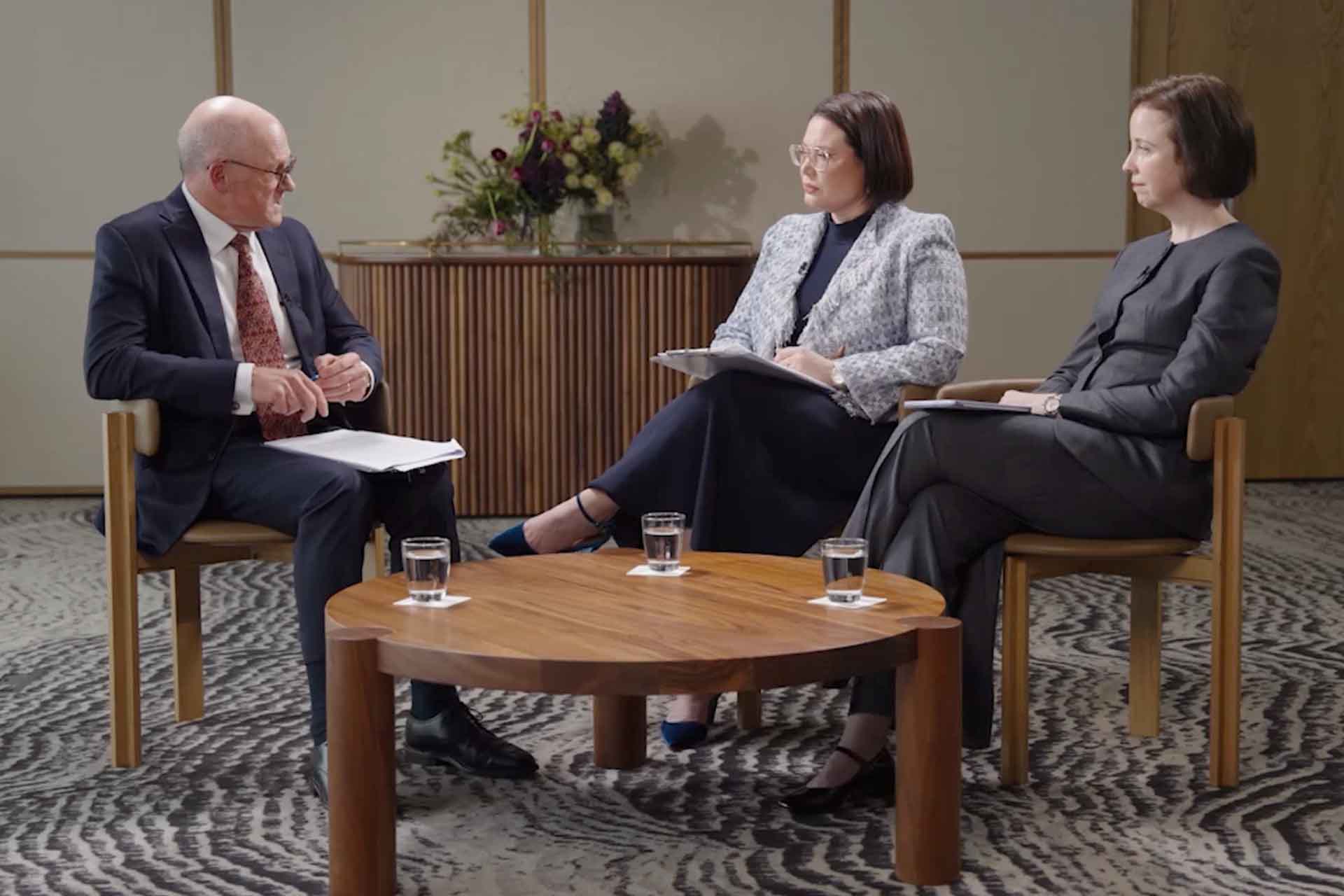
For a recent UNSW shoot, we used three cameras to capture the interview from four different angles. So what are the advantages, and when is a simpler setup enough?
Why use multiple cameras for a video interview?
A multi-camera interview captures the same conversation from different positions or at different shot sizes. You might combine a wider shot showing the person in their surroundings with closer views that focus on their expression.
Each camera should contribute a distinct, useful shot. Here are four reasons to consider including more than one.
1. Make the edit flow more naturally
Interviews usually need some editing. You might remove a long pause, shorten an answer or cut a repeated phrase. With one camera, joining those sections together can create a noticeable jump in the person’s position.
Switching to another camera angle helps hide the edit and keeps the conversation flowing on screen.
This is particularly useful when B-roll is limited. B-roll is the supporting footage you show over an interview, such as shots of someone working or the subject they’re discussing. Without much of that footage, alternative camera angles give you another way to cover cuts.
2. Add visual variety
Watching the same shot for several minutes can start to feel repetitive. Moving between a wider view and a close-up gives the viewer some visual variety while keeping the focus on the speaker.
A closer shot can also give emphasis to a personal reflection or an important point. The aim is to choose shots that support what’s being said, with enough time between changes for the viewer to settle into the conversation.
3. Capture the same moment from different angles
A spontaneous answer or expression can be difficult to recreate. With multiple cameras recording simultaneously, you capture those moments from different viewpoints without asking the person to repeat themselves.
That gives the editor a choice of shots while preserving the original delivery. Your speaker can concentrate on the conversation without needing to perform the same answer again for another angle.
4. Create more options for different edits
The same interview might become a longer website video, a short case study and several social clips. Having complementary framings gives you more options for shaping each version.
If you also need vertical edits, plan for those before filming. Camera position and framing need to leave enough room for the intended crop. An extra camera only helps if its shot suits the output you need.
When is one camera enough?
One camera can work well for a short interview, a straightforward piece to camera or a project with plenty of relevant supporting footage to cover edits.
It can also be a practical choice when space, budget or setup time is limited. Good lighting, clear audio and a comfortable speaker still matter, whatever the camera count.
A higher-resolution recording may allow you to crop into a closer view when delivering at a lower resolution. That provides some variation, although it won’t change the perspective like a camera in a different position.
So how many cameras should you use?
For an interview that needs tightening in the edit and has limited B-roll, two cameras can be a useful starting point. A third adds another framing to choose from, giving you more scope for variety and emphasis.
Choose the setup around the story, the supporting footage and the final videos you need. The best camera count is the one that gives you useful options within the time and budget available.

Related Posts
How to manage natural light when filming outdoors
Learn how to manage natural light when filming outdoors, with practical tips on…

5 tips for making thought leadership content more engaging
When planning thought leadership content, the topic, guests, conversation and…
When should you use a paper backdrop for video?
A paper backdrop is a simple way to add colour and create a clean, consistent…