


A live panel discussion is a great way to share the expertise within your business. But even people who know their subject inside out can feel a little nervous when the cameras go live.
If you’re bringing a small group of colleagues together for a thought leadership event, some preparation can help everyone feel more comfortable. Here are eight things to consider before your moderator and panellists take their seats.
1. Choose a moderator who can guide the conversation
A good moderator brings energy, listens carefully and keeps the discussion moving. Choose someone who feels comfortable asking follow-up questions, bringing quieter guests in and politely stepping in when an answer runs long.
They also need to monitor time. Share a running order that allocates time for introductions, each discussion topic, audience questions and the close.
It’s fine to explore an unexpected but useful point, provided the moderator makes room by shortening another section. Agree beforehand which questions are essential and which can be dropped.
2. Prepare talking points and stay relaxed
Share the themes and key questions beforehand so guests can consider useful examples and what they’d like to contribute. Encourage talking points rather than fully scripted answers.
During the panel, listen to each other. Respond to what’s been said, build on an idea or offer another perspective. Prepared monologues can leave the session feeling like several separate presentations.
Small slips are human too. If you stumble over a word or lose your train of thought, take a breath, acknowledge it if needed and carry on. You don’t need to hide every mistake or apologise repeatedly. A relaxed response helps the audience feel comfortable as well.
3. Dress for the whole shot
Don’t assume the camera will only show you from the waist up. A wider shot may include your trousers, shoes and how you sit, so choose an outfit that works from head to toe.
Wear something comfortable when seated, and consider where a lapel microphone can be attached. A jacket lapel, shirt placket or firm neckline gives the crew somewhere to clip it. Lightweight or loose fabric can be trickier.
Avoid jewellery or clothing that might rub against the microphone. If you’re unsure, check with the production team before the day so they can advise on your outfit and microphone placement.
4. Give yourself time to get comfortable on set
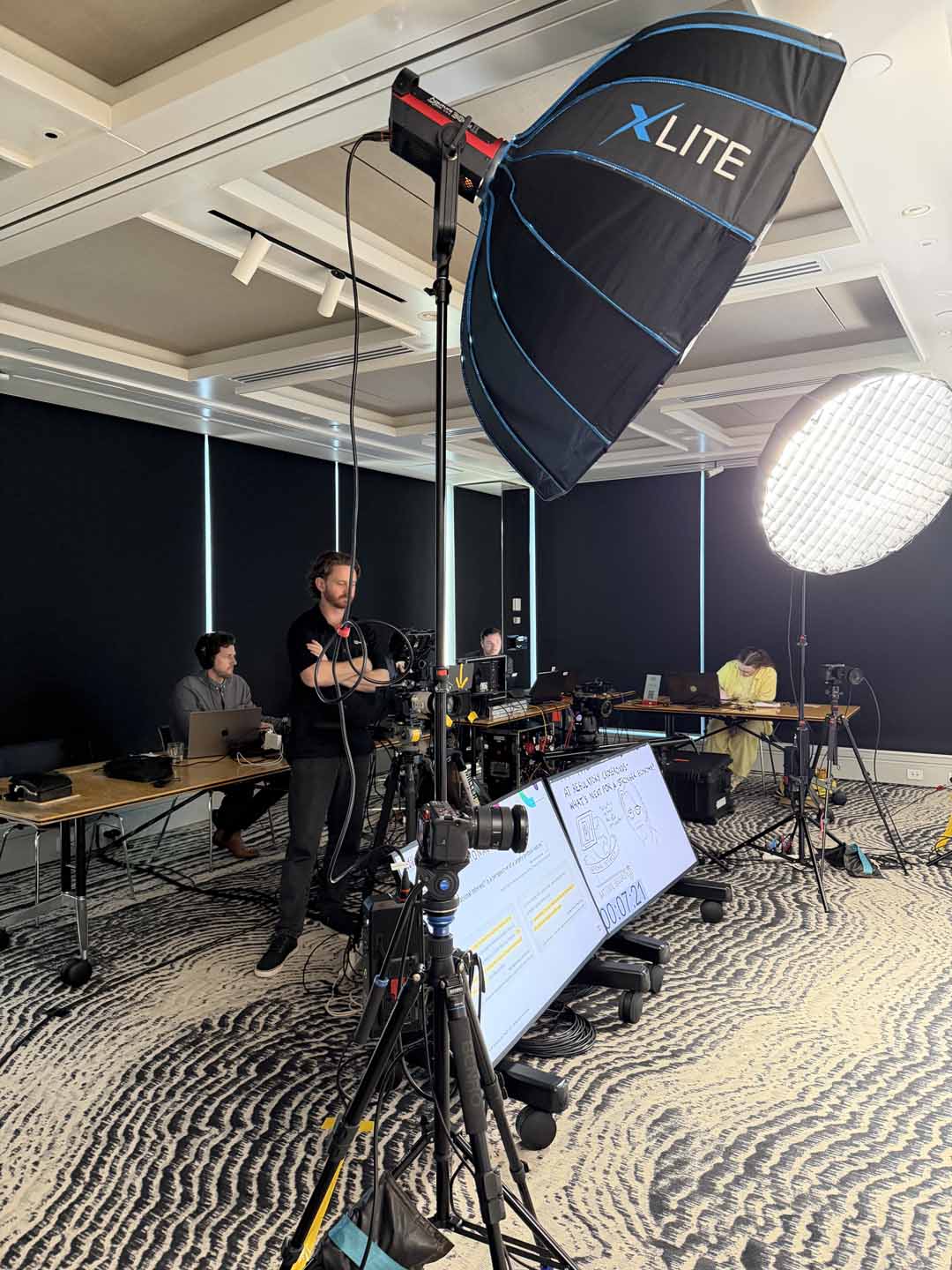
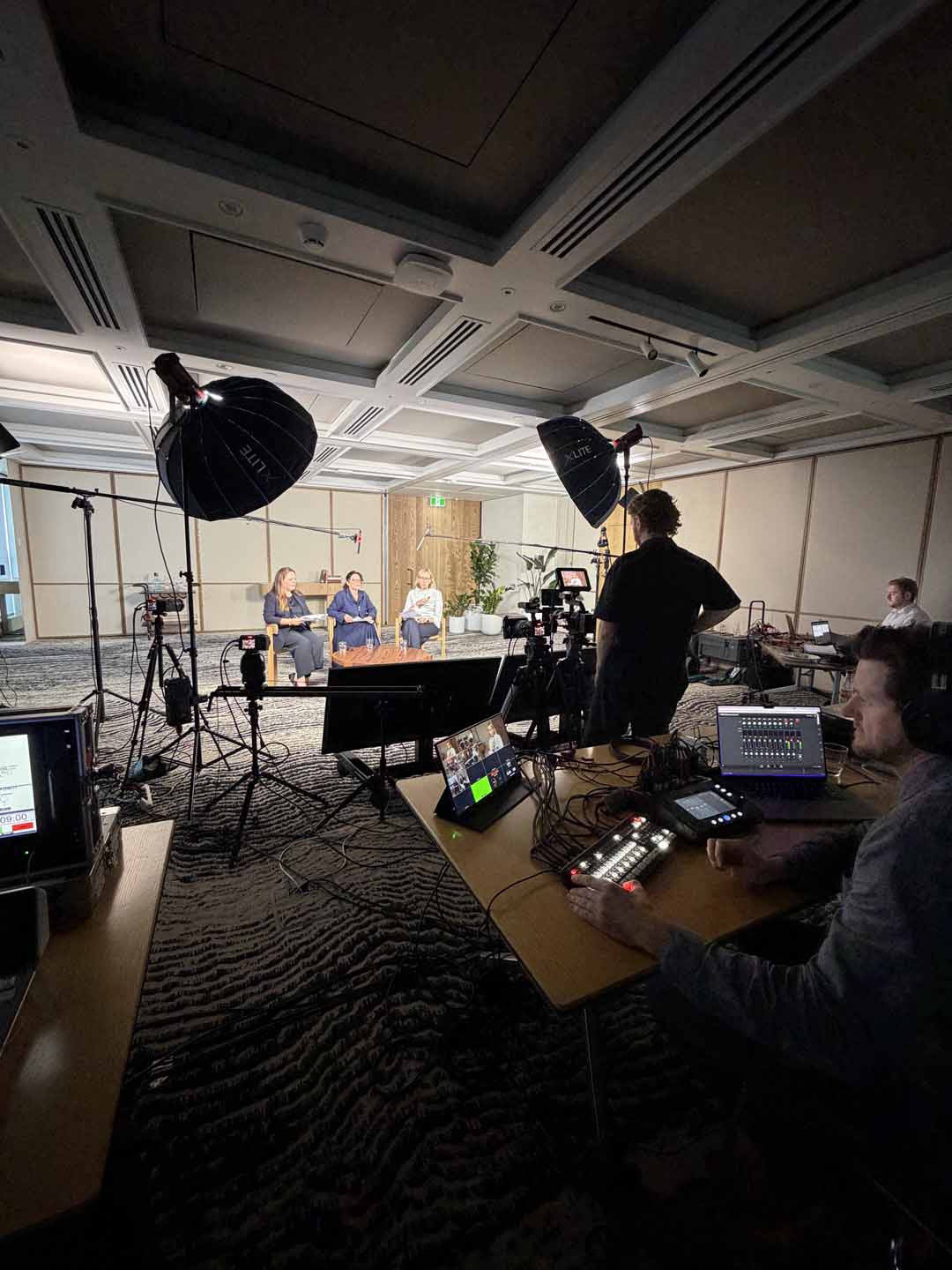
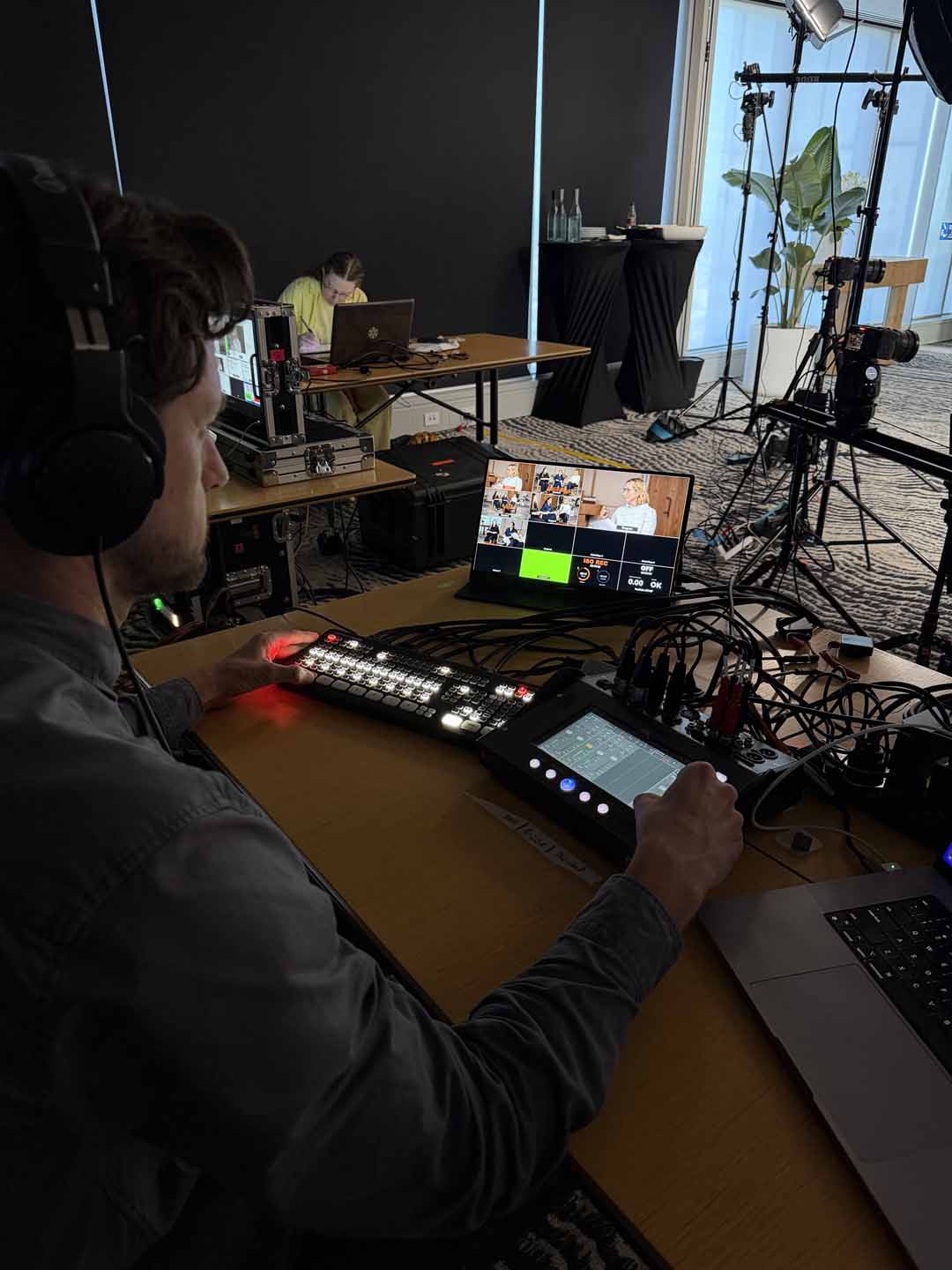
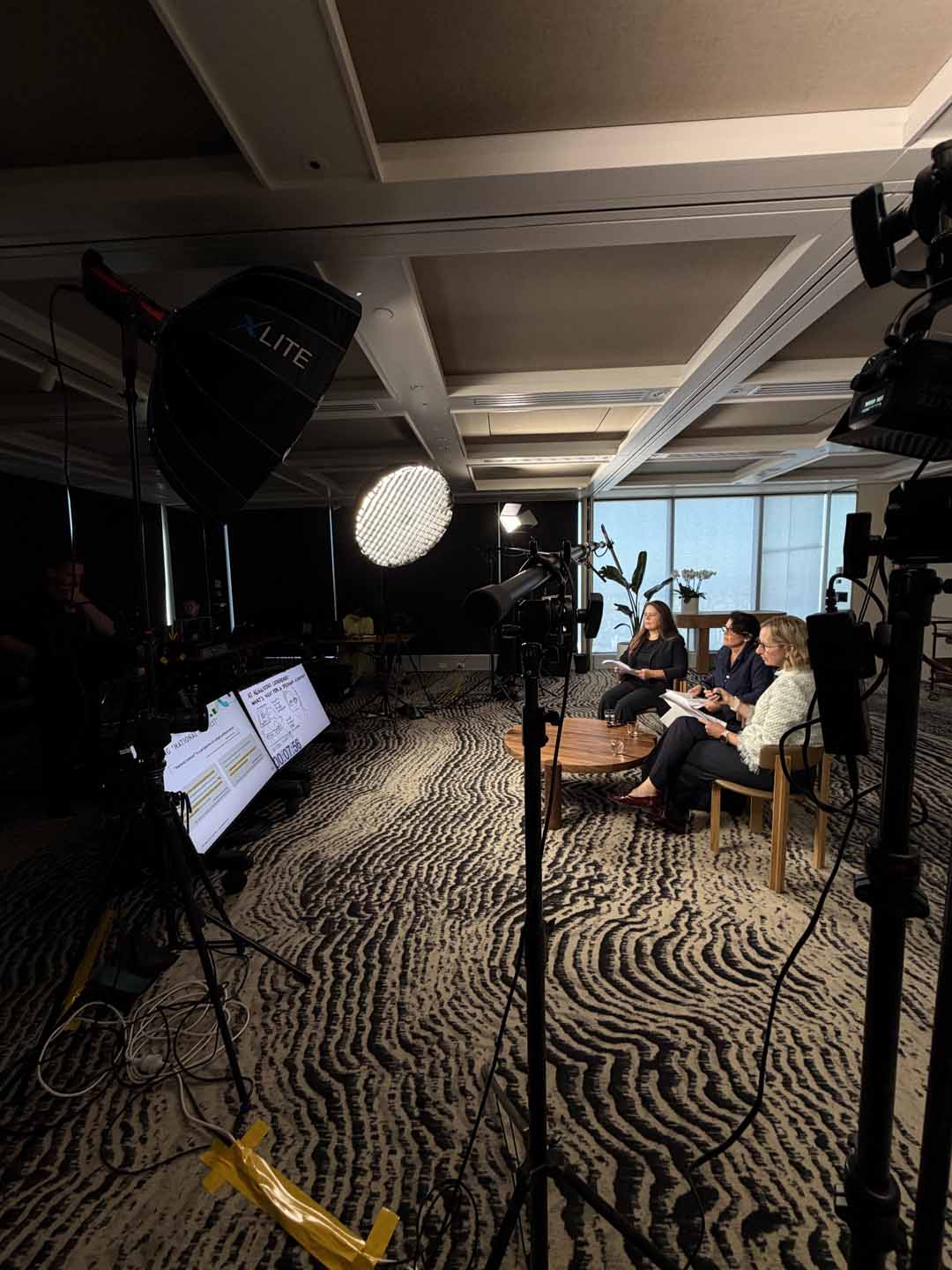
A professional panel setup can involve several cameras, large lights, microphones, monitors and plenty of cables. Walking into that room can feel a little intimidating, especially if you haven’t done it before.
Allow time to settle in before going live. If it helps, ask the crew to walk you through the equipment and explain what you need to pay attention to.
Confirm where to look, which screen shows your slides and how you’ll receive timing cues. You usually won’t need to follow every camera change yourself. Understanding your role in the setup can make it much easier to focus on the conversation.
5. Rehearse introductions and handovers
Run through the opening, how each guest will be introduced and how the moderator will bring people into the discussion. Practise names and agree on clear handovers.
A simple “Sarah, how does that compare with what you’re seeing?” gives the next person an obvious invitation to speak.
Rehearse the closing too. Will each guest offer a final takeaway, or will the moderator summarise? Knowing how you’ll finish helps avoid an abrupt ending or a rushed round of closing comments.
6. Get familiar with your slides
If you’re using slides, review the final version together. Each panellist should know which slides support their contribution and who will advance them.
Check that text and charts are easy to read on screen, and give viewers time to understand what they’re seeing. Use the slides to support your explanation without reading every word aloud.
Ask the production team to test the actual files, including embedded video and audio. If the crew is controlling playback, agree on a clear cue for moving forward.
7. Make the most of being live
Give the audience a reason to join you in real time. Welcome them, explain how they can submit questions and leave enough time to address their contributions.
The moderator can bring relevant questions into the discussion as it develops, as well as holding a dedicated Q&A towards the end. Agree on who will monitor incoming questions and pass them through.
Where it adds something useful, acknowledge news or events from that day and connect them to the topic. Responding to the audience and what’s happening around you helps the session feel current and makes viewers part of the conversation.
8. Know what to do if something goes wrong
Before going live, ask the crew what you should do if a microphone, slide or remote connection stops working.
Agree on who will address the audience and how the production team will signal whether to continue or pause. The moderator can usually handle the explanation while guests wait for their cue.
If the slides disappear, you may be able to keep talking. If a remote guest drops out, the moderator could bring someone else in while they reconnect. A shared plan helps everyone stay calm and avoids several people trying to fix the issue at once.
You don’t need every word rehearsed. Knowing the format, feeling comfortable on set and understanding each other’s roles gives your team more freedom to listen, respond and share their expertise.

Related Posts
How to manage natural light when filming outdoors
Learn how to manage natural light when filming outdoors, with practical tips on…

5 tips for making thought leadership content more engaging
When planning thought leadership content, the topic, guests, conversation and…
How many cameras do you need for a video interview?
Extra cameras can help hide edits, add visual variety and capture natural…