


A good event hype reel gives viewers a sense of what it felt like to be there. The speakers, audience reactions and smaller details all help capture the atmosphere of the day.
Getting that variety takes planning and an active approach to filming. Here are some practical tips for capturing footage that gives you more to work with in the edit.
1. Be prepared to move
It’s easy to find a good position and stay there, but a varied edit needs more than one view of the room.
Explore the space and look for different ways to frame the action. Capture wide shots that establish the venue, closer views of speakers and angles that include the audience. Look for opportunities to shoot from the side, behind the crowd or through something in the foreground.
Move thoughtfully so you’re not distracting attendees or blocking their view. Knowing the running order helps you reposition before an important moment, rather than trying to move while it’s happening.
2. Keep your kit light and versatile
Event filming often means moving quickly, working around people and responding to things you can’t repeat. A manageable setup makes that much easier.
If you’re filming highlights on your own, two cameras can be a useful combination: one with a wide lens on a gimbal, and another with a stabilised longer lens.
The wide setup lets you capture the space and moving shots, while the longer lens helps you pick out speakers, audience and details from a distance. Having both ready reduces the need to keep changing lenses.
3. Make time for audience reactions
Audience shots help communicate the energy of an event. A laugh, a thoughtful expression or a burst of applause gives the viewer a sense of how people are responding.
Those moments aren’t always easy to capture. Allow time to watch the audience and identify engaged people or groups, rather than expecting to collect everything in a quick sweep of the room.
Listen to the speaker so you can anticipate a reaction, and be ready before the applause starts. Hold the shot long enough to capture the moment developing naturally.
4. Capture the smaller details
Books, programmes, name badges, displays and objects connected to the event add texture to the edit. They also help show what makes this particular gathering different.
Look for details in use: someone flicking through a book, writing a note or interacting with a demonstration. These small actions can provide useful moments between wider shots of the stage and room.
Capture a mix of compositions and give each shot enough time to be usable. A brief glimpse while walking past may leave the editor with very little to work with.
5. Make the branding part of the story
Capture the event name, signage, stage graphics and relevant sponsor branding. These help establish whose event we’re watching and connect the footage with the organisation behind it.
Get a few clear, readable shots, then look for ways to include branding naturally alongside the activity. People arriving beneath a sign or a speaker framed against the event backdrop can give you both context and action.
Check the brief for any branding that needs particular coverage, so you’re not discovering a missing sponsor shot during the edit.
6. Think about the edit while you shoot
As you film, consider how the shots might work together. What could open the video? What captures the peak of the event? What would make a strong closing image?
Look for opportunities that need deliberate coverage. A split screen might pair a speaker with an audience reaction. A timelapse could show the room filling. Matching movement or similar compositions could help connect different parts of the day.
The aim is to give the edit its own character, with choices that reflect the event’s atmosphere.
Before you pack down, check what you’ve captured against the brief. A few final shots of the venue, branding or people connecting could be exactly what you need to complete the story.

Jimmy Kyle
Jimmy Kyle is the Founder and Director of Motion Collective, a Sydney-based video production studio. He works with brand, marketing and communications teams to create video, photography and animation.
Related Posts
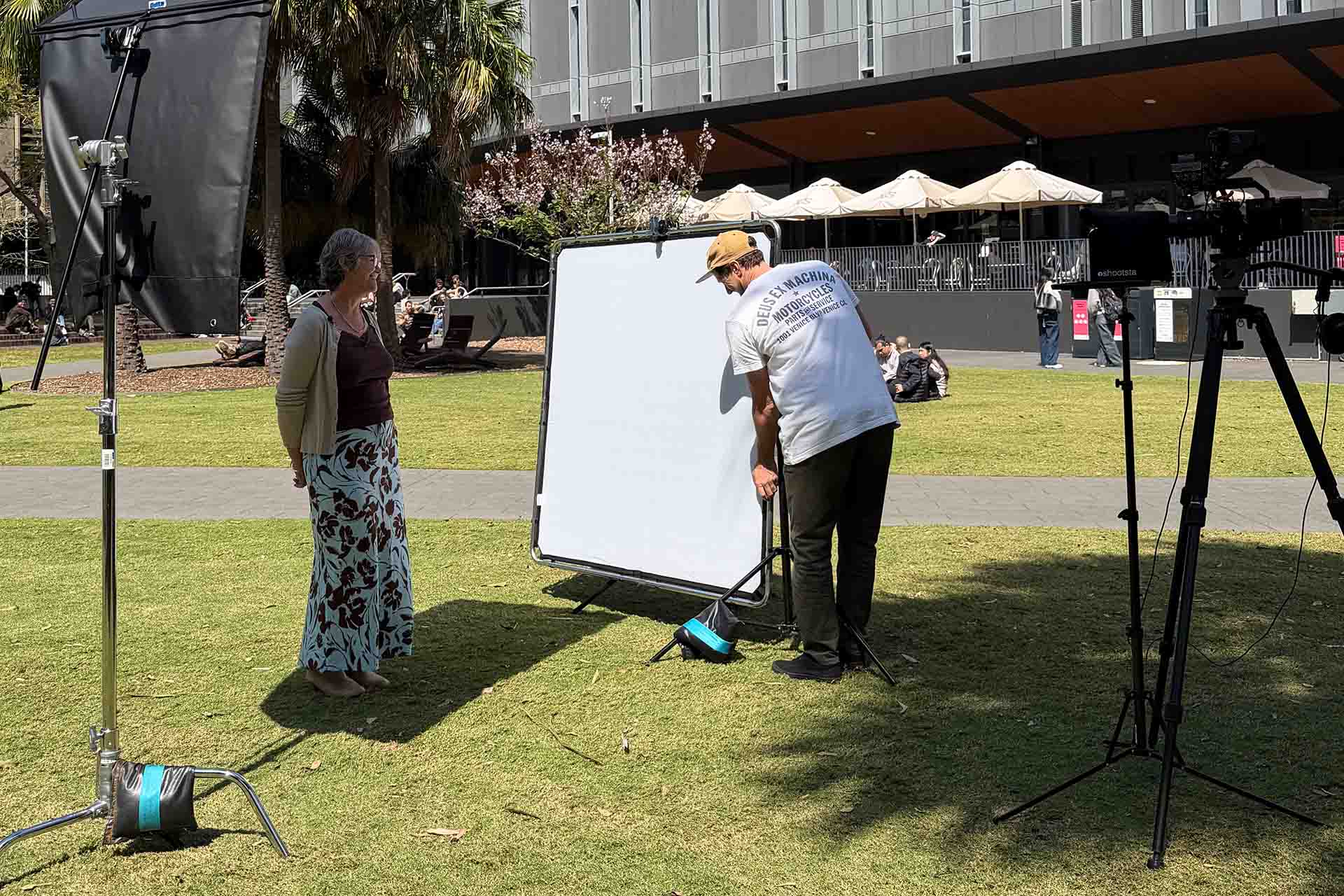
September 29, 2026
How to manage natural light when filming outdoors
Learn how to manage natural light when filming outdoors, with practical tips on…

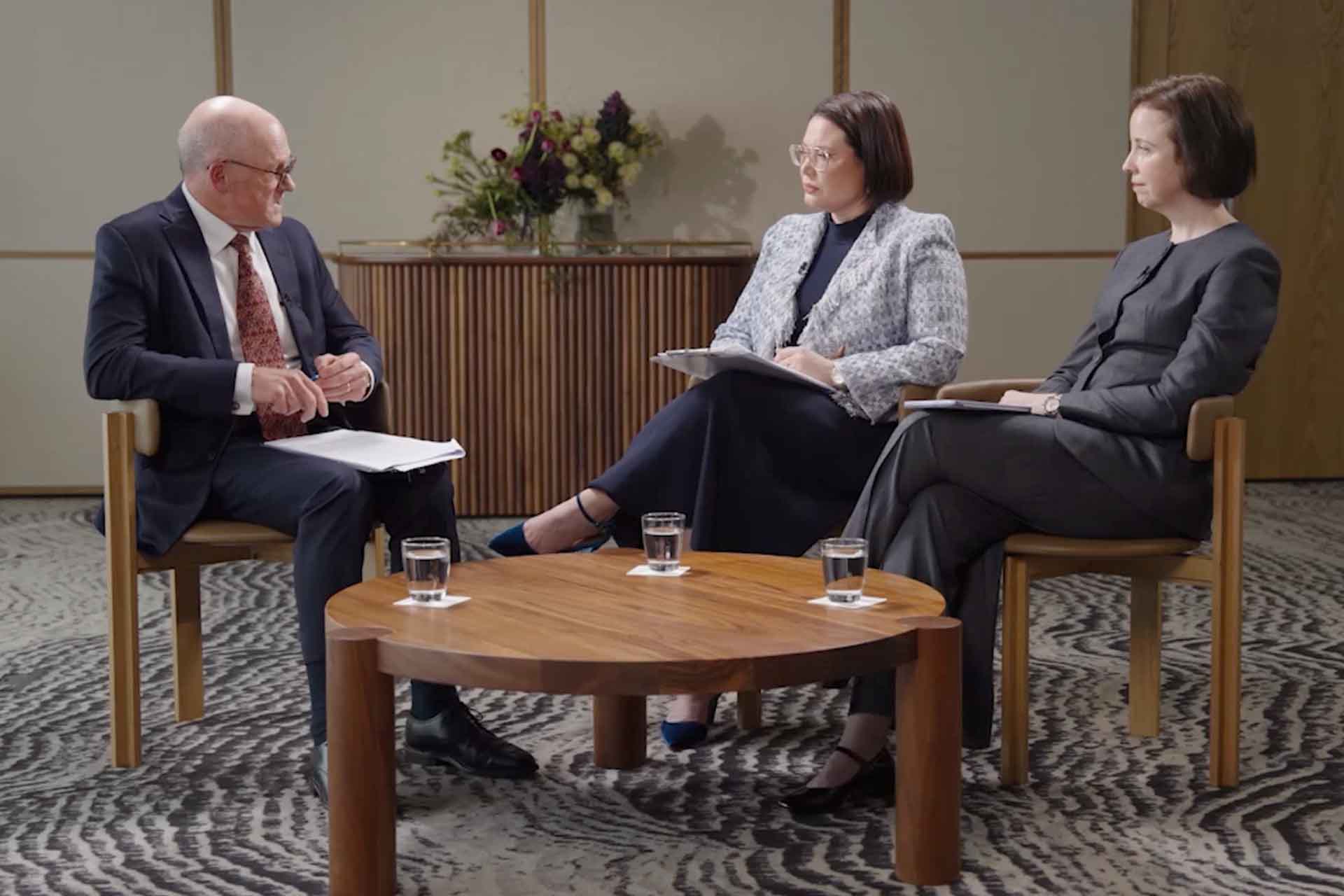
August 31, 2026
5 tips for making thought leadership content more engaging
When planning thought leadership content, the topic, guests, conversation and…
July 30, 2026
How many cameras do you need for a video interview?
Extra cameras can help hide edits, add visual variety and capture natural…